How to Set up BMW ICOM Next WiFi Connection?
1. Run ITool Radar to detect ICOM information
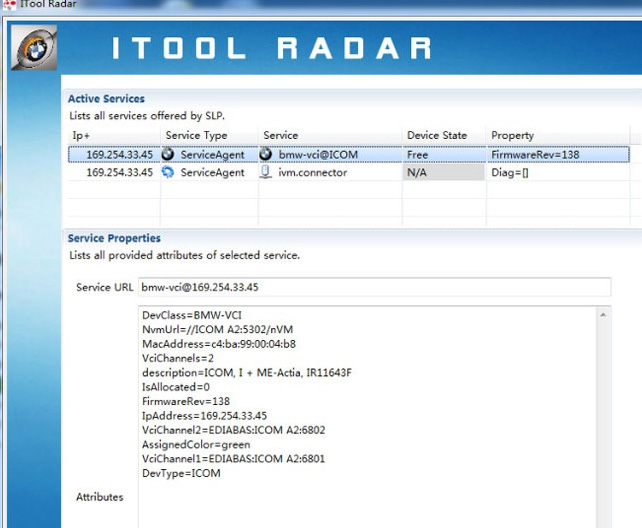
2. Open IE browser and enter ICOM configuration address (based on current real ICOM IP )
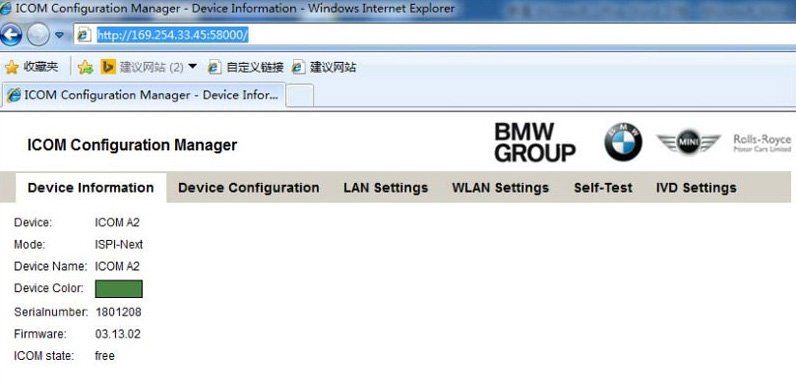
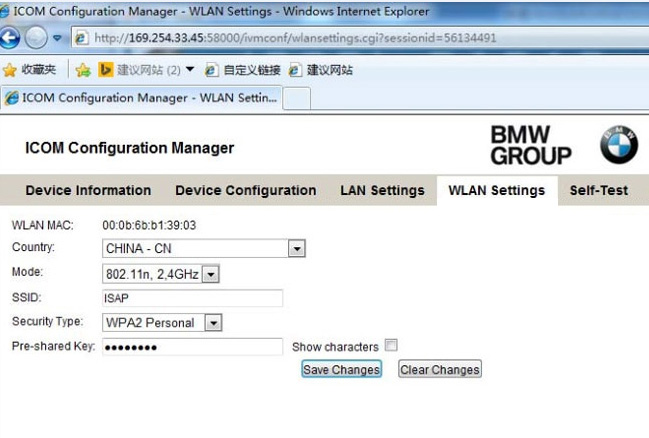
3. Select WLAN Settings
Enter WiFi settings
Save Changes.
4. Disconnect LAN cable and restart ICOM, then ICOM will auto connect with WiFi .
5. If using our ICOM software and USB-WIFI, enter configuration as following:
Mode:802.11n,2.4GHz
SSID:ISAP
Security Type: WPA2 Personal
Pre‐shared Key: BmwAp24h

請先 登入 以發表留言。